ChromaSolve: Sudoko but with Colors, Notes or Both!
I’m not great at Sudoku, but love it anyway.
The thing about Sudoku is that it looks math adjacent but it’s not. The numbers are just placeholders. You could swap them out for literally anything and the puzzle still works. A 3 doesn’t mean three of something. It just means “not a 1, 2, 4, 5, 6, 7, 8, or 9.”
Why are we even using numbers?
That’s ChromaSolve. Nine colors instead of nine digits. Same rules, completely different feel. (PLAY NOW)

Why Colors
I’m a visual person. I work in film. I think in images. There’s something about reading a board full of color that feels fresh and new. When you finish and every row is a clean spread of nine different hues it looks genuinely good. I wanted that. But what if you’re color blind?

Pattern Mode is my answer. You turn it on and every color gets a unique shape too. Circle, square, triangle, diamond and so on. The colors don’t go away but now the shapes are doing the same job. You can ignore the color completely and just play on shapes. I put the toggle right on the title screen.
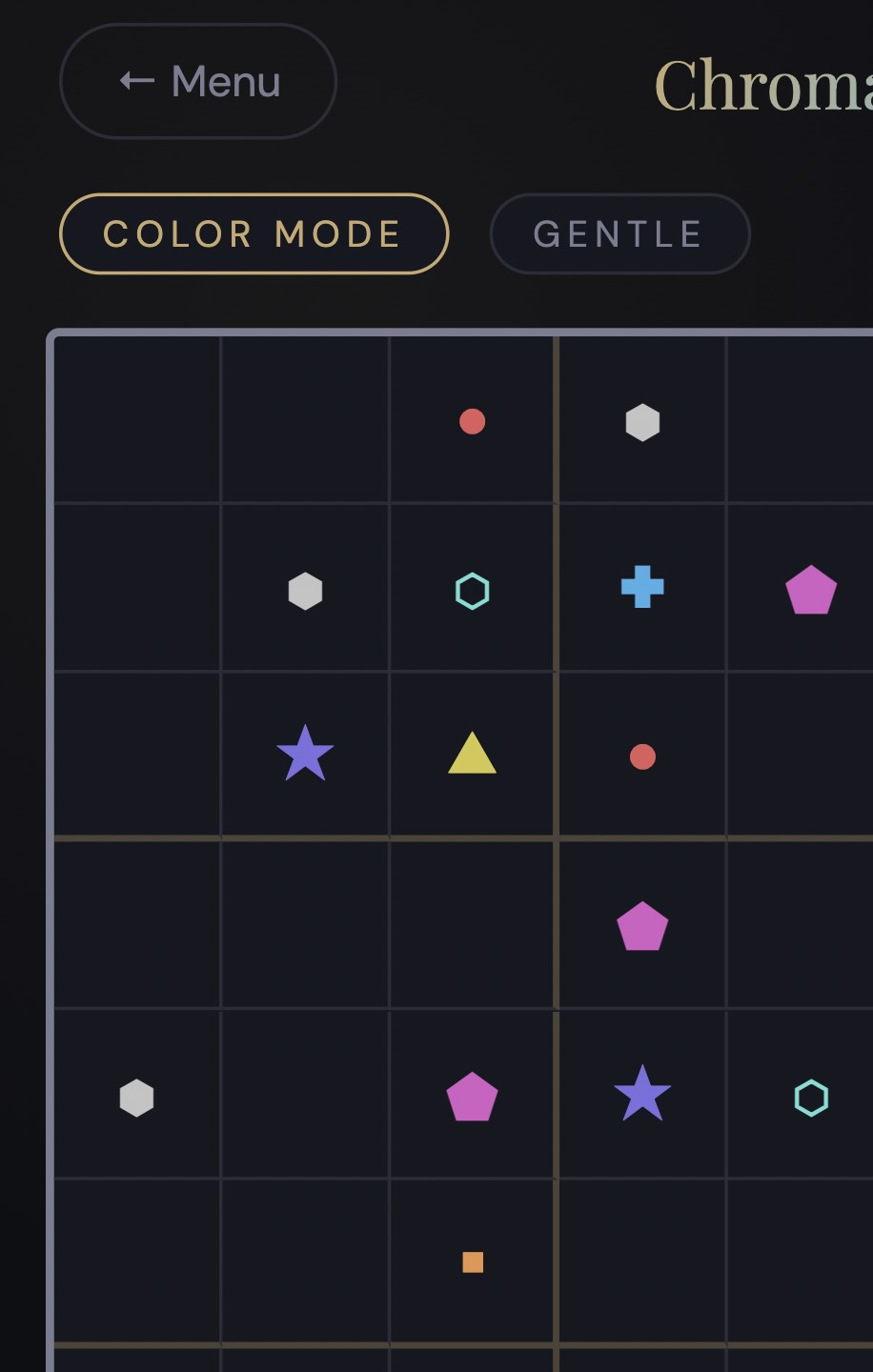
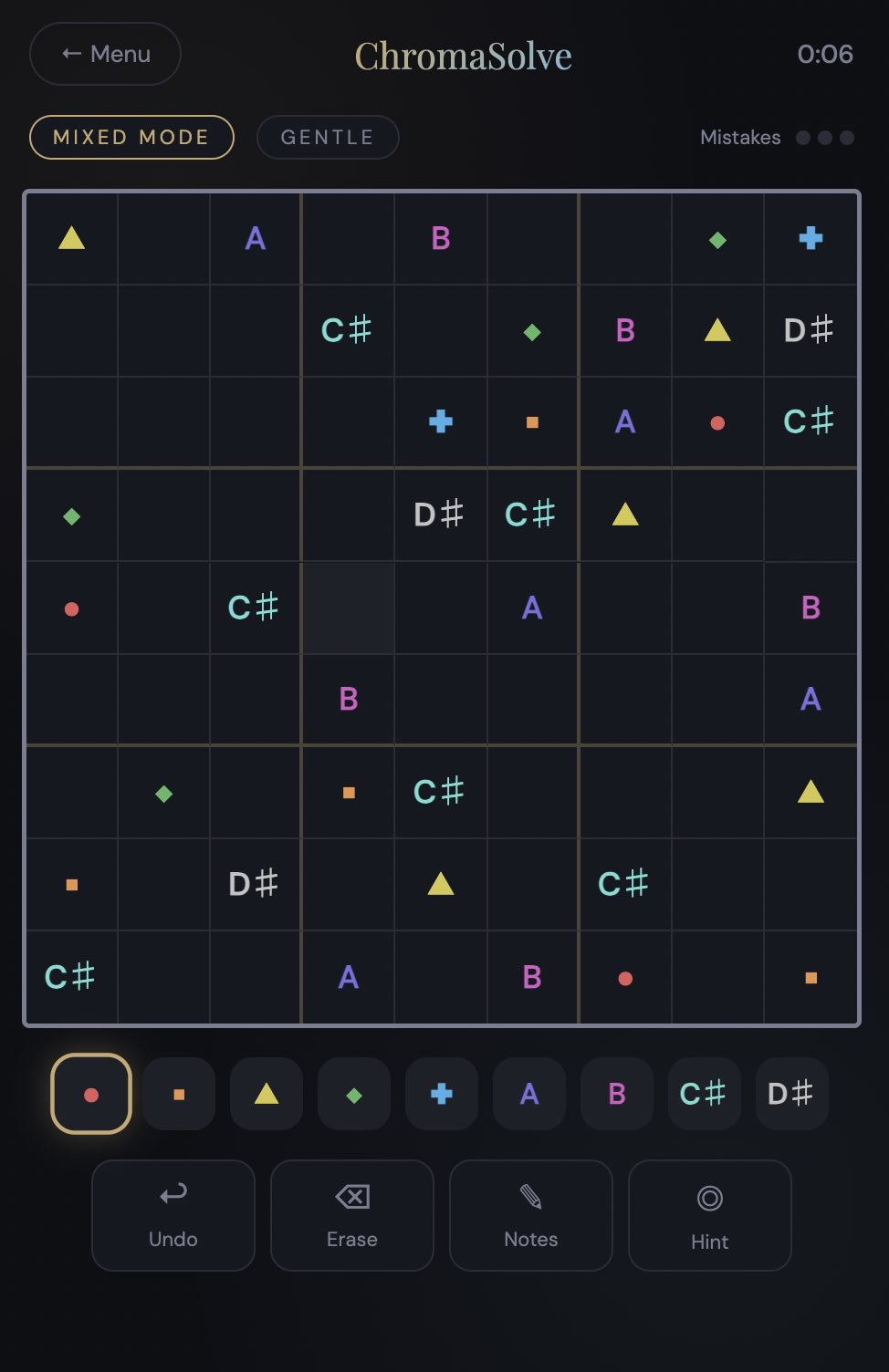
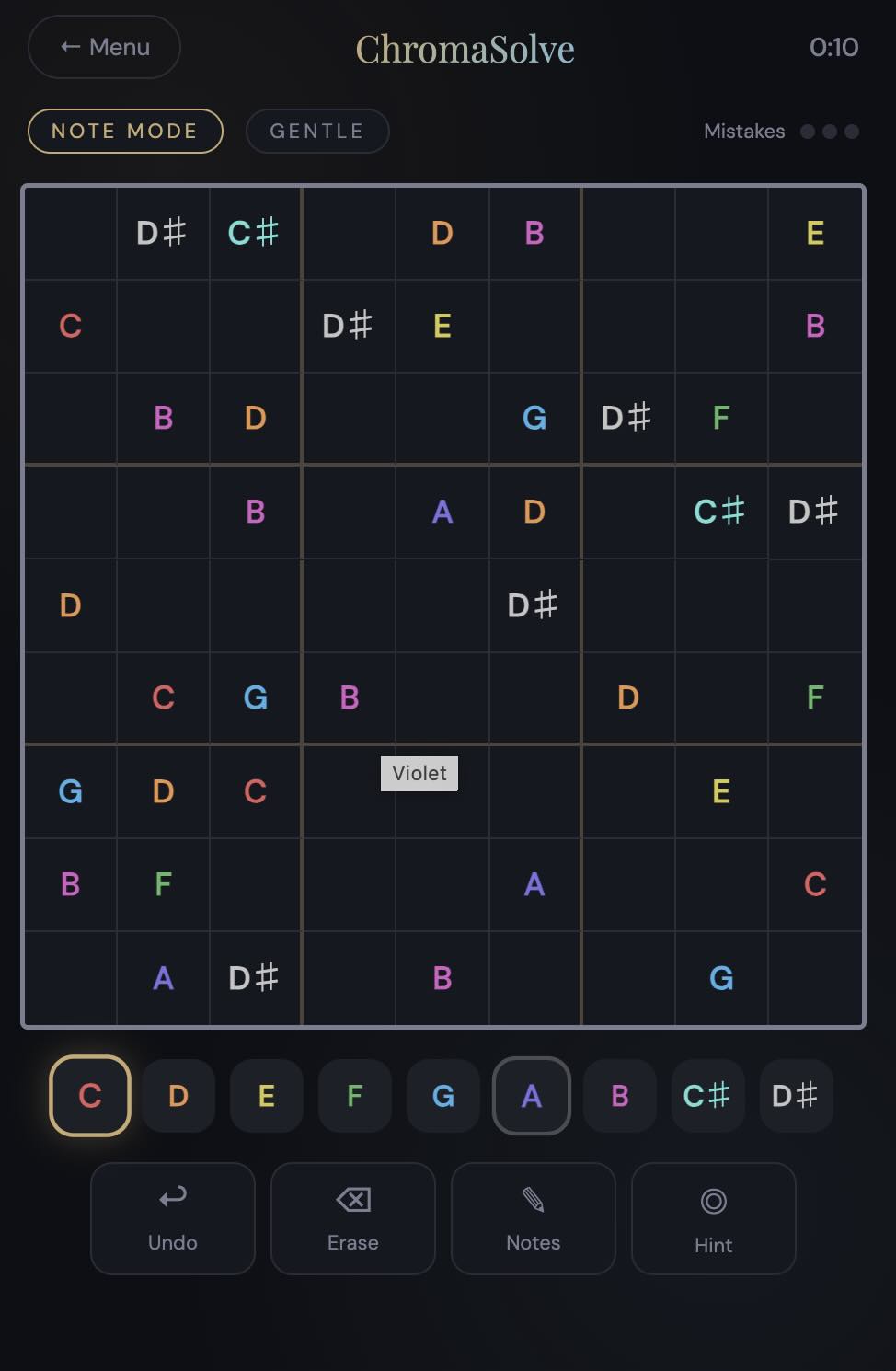
There’s Three Ways to Play
Color Mode is the main one. Nine colors, classic grid, nothing fancy. This is where most people should start.
Note Mode The nine symbols become notes, C D E F G A B C# D#, and the app actually plays them when you place them. So, you’re kind of composing while you solve.
Mixed Mode is both. First five symbols are colors, last four are notes. It’s the one I play most now. Slightly, hard to explain but once you’re in it, it makes sense.
How Hard Is It
Four levels. Gentle, Engaged, Focused, Expert.
Gentle gives you 38 cells already filled in. Expert gives you 20. Every single puzzle has one solution.
Three mistakes and you’re done. No warning after the second one, no grace. There’s a hint button for when you’re stuck and undo is always there.
Claude Built the Hard Parts
Same deal as my other apps. The ideas are mine, the code needed help.
The puzzle generator was the tricky part. Making sure every board has exactly one solution means you have to check while you’re building it, not after. Claude figured that out. The sound engine, the animations, the backtracking solver. All of that came out of a lot of back and forth conversations where I’d describe what I wanted and Claude would write it and then I’d break it somehow and we’d fix it.
Try It
It’s in your browser. No download, no sign up.
Pick a color and see what happens.

Christopher lives in Vermont with his wife, twin boys, border collie and corgi. He has owned a film production company, sold slot machines, and worked for Tony Robbins. He writes in his magical tiny house and sometimes writes in his blog at chrisrodgers.blog
Visit his author’s page.